I had already post article on How to Make a Conference Call with iPhone.
Now here is another article on How to Make a Conference Call using Android phones.

Don't forget to comment below......
Now here is another article on How to Make a Conference Call using Android phones.
Follow below steps to make conference calls :
- 1. Call the first person.
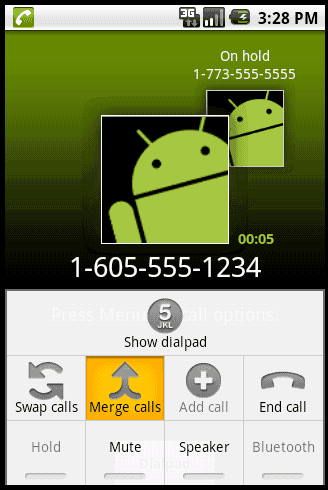
- 2. Once the call is established, press the Menu button.
- 3. Tap Add call.
- 4. The dialpad appears. Establish a call with the second person.
- 5. Once the call is established, press Menu.
- 6. Select Merge calls.
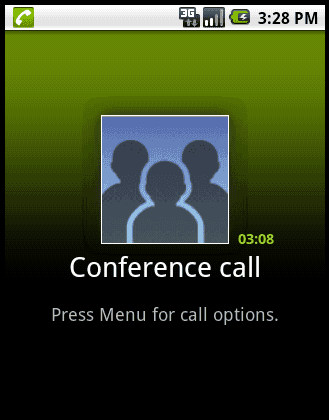
- 7. Both parties should be on the line now. The Conference call screen will appear.
- Repeat steps 2 through 7 to add more people to the call.
Don't forget to comment below......
nice post and nice site keep it up
ReplyDeleteReally cool thing that android phones can offer, thanks for the post. :)
ReplyDelete_______________
Ashley | Olympic 2012 Games
Good to know about your blog i have visit and i am very inspired from your article please keep updating your blog i will be back asap with my new business i am promoting my business i am sure you will be consider me and my idea will follow with your blog.
ReplyDeleteMobile Phones For The Elderly
Good tools, I just try it and it is working, I wanna suggest you to try another free tools here APK
ReplyDelete